
Cross Runner: Master Narrow Bridges, Jump Landings and Obstacle Timing
Improve Cross Runner with practical bridge alignment, hazard timing, landing checks and smarter coin and key collection routes.
Read article ↗
Follow moving ducks in Duck Hunt and take a shot when the aiming point meets a clearly visible target.
Play here in the browser.
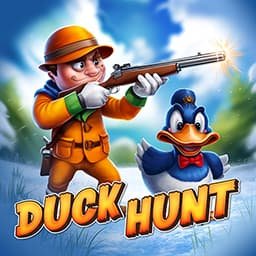 Duck Hunt
Track one duck long enough to understand its direction. Switching attention between several moving targets can leave each shot less deliberate than waiting for one clean opportunity.
Duck Hunt places moving ducks inside a framed shooting-gallery scene. Select a duck with the pointer or touch while it is visible in the active area, then watch the result before choosing another target. The curtain and stage presentation help define the gallery, but they are not the target. Begin by following one duck across the scene so that its movement becomes easier to judge before the screen becomes more distracting.
A deliberate shot depends on selecting the duck at its current location. Following where it appeared earlier can place the input behind its movement. Keep your attention on the target body rather than an explosion or a previous bullet mark. Those effects describe an earlier action and can remain noticeable after the next target needs attention. If an attempt does not produce the expected feedback, compare the selected point with the duck position at that instant instead of immediately repeating the same tap.
Egg symbols and score information are part of this edition alongside the ducks. Read their displayed state during play and at the end of a round rather than assigning them a rule from a different hunting game. Their visual feedback provides context while the moving targets provide the immediate aiming task. When several objects compete for attention, choose the clearest duck you can identify instead of moving the pointer rapidly between every effect. A stable selection is easier to evaluate and helps keep the next decision connected to the actual scene.
For touch play, avoid leaving your hand across the portion of the gallery where the next duck may travel. A short input followed by a clear view makes the movement easier to follow. The last-score display gives a way to compare a finished round with another attempt, but the most useful practice goal can be smaller: reduce shots aimed at old target positions or improve how quickly you identify an unobstructed duck. Treat the gallery as a sequence of individual visual decisions. Observe the movement, select a current position and use the feedback to prepare for the next target.
Select the moving ducks inside the gallery, rather than curtain details or earlier shot effects.
The input may be aimed at where the duck appeared earlier instead of its current position.
Egg symbols appear alongside the score and gallery targets; follow their displayed feedback in this edition.
It lets you compare a completed round with another attempt.
Use short inputs and move your hand away from the area where the next duck may travel.
Found a control that behaves differently? Tell us the game name and your device.


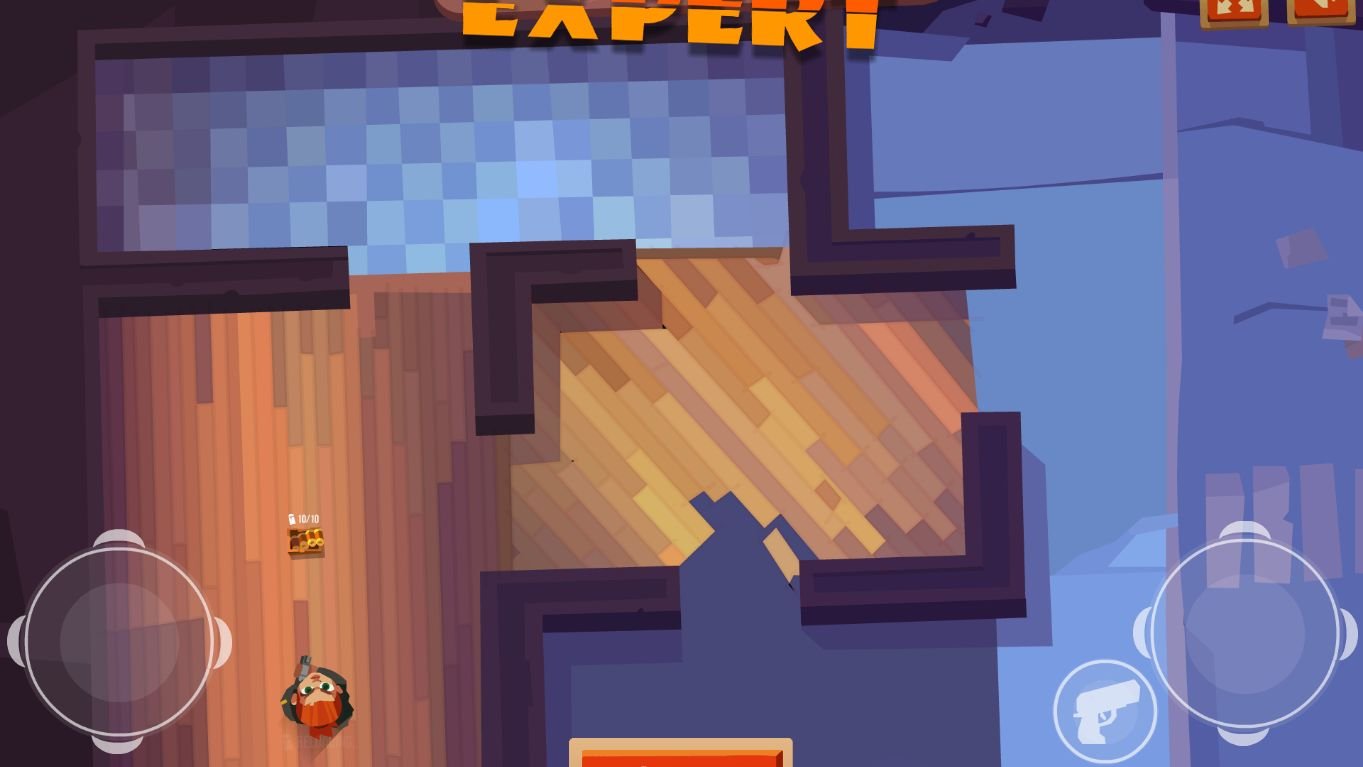
Improve Cross Runner with practical bridge alignment, hazard timing, landing checks and smarter coin and key collection routes.
Read article ↗
Understand camera rotation, layer turns, centers, edges and corners in Cube 3D. Learn reversible moves and plan a standard 3×3 solve step by step.
Read article ↗
Learn the leaf traversal rules, plan flower-planting routes and use Undo to recover from awkward moves in Emoji Puzzle on RobixGame.
Read article ↗
Find exposed matches, clear rising rows and stay below the red line in Pet Merge on RobixGame. Includes a browser check, worked examples and a practi…
Read article ↗