
Cross Runner: Master Narrow Bridges, Jump Landings and Obstacle Timing
Improve Cross Runner with practical bridge alignment, hazard timing, landing checks and smarter coin and key collection routes.
Read article ↗
Mad Shark puts a shark into crowded waters with fish to pursue and submarine threats to avoid.
Play here in the browser.
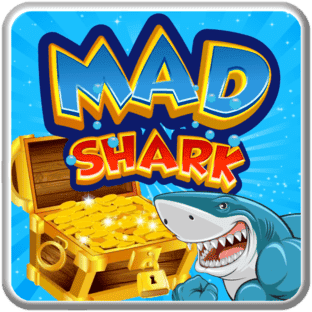 Mad Shark
Keep a clear stretch of water beside the shark before chasing food. When danger enters the same area, the available movement and attack options are easier to use if you have room to respond.
Mad Shark gives you control of a shark in waters shared with fish, submarines, barrels and explosive threats. The interface includes upward, downward and attack controls, alongside life and score information. Begin by learning those three actions in relation to the shark's position. Moving to a useful depth and attacking an approaching threat are different decisions, and pressing both without watching the scene can make it difficult to understand what helped or caused the collision.
Compare a potential meal with the water around it. A fish may offer an attractive scoring opportunity, but a nearby submarine or bomb changes the approach. Look for a clear area the shark can occupy after passing the object, not simply the shortest route toward it. Keeping water available above or below the shark gives you somewhere to move when another threat enters. A crowded corner can turn an otherwise manageable encounter into a situation with few useful responses.
Use the attack control with a visible purpose. Watch the object you intend to engage and the route the attack takes. If the target is no longer aligned, reposition or reassess instead of continuing the same input automatically. The game also includes pickups associated with life and power, so read the relevant display before making a risky detour. Their usefulness depends on both the current need and whether the shark can reach them without losing the space required to avoid danger.
The score and distance feedback are useful between encounters, while the shark and approaching objects deserve attention during an evasive move. On a phone, keep the upper and lower water visible around your hand so changing depth remains a deliberate choice. After a lost run, identify whether you chased food into a threat, stayed at an unsafe depth or used an attack without checking the line. Adjust that one habit on the next attempt. Mad Shark's busy water is easier to manage when feeding, attacking and avoiding hazards are connected by a planned route rather than treated as three unrelated reasons to press a button.
The game provides upward and downward controls, with an attack action shown separately.
A nearby submarine, bomb or other threat can remove the room needed to leave after the pickup.
Identify the intended threat and whether the attack line is useful from the shark's current position.
Compare the life display and the safety of the approach, rather than diverting toward every pickup automatically.
Found a control that behaves differently? Tell us the game name and your device.


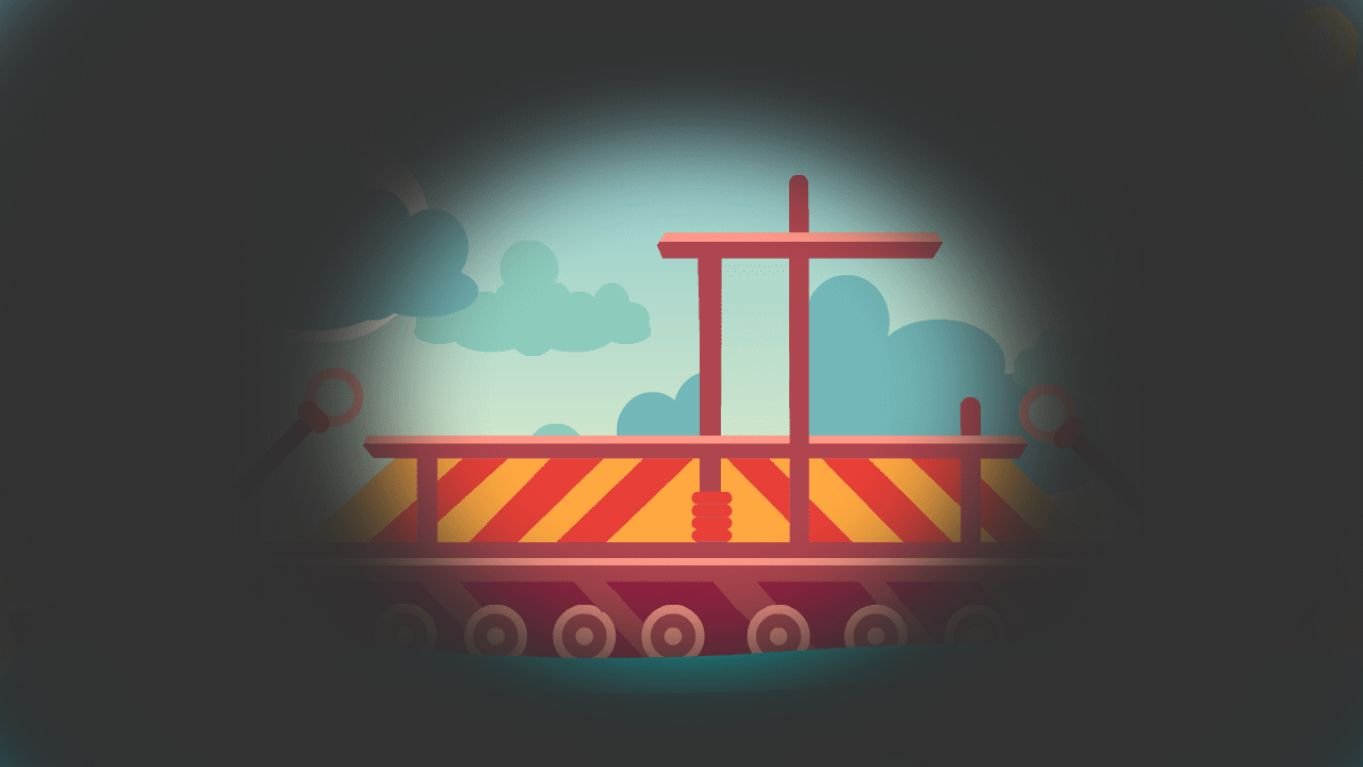
Improve Cross Runner with practical bridge alignment, hazard timing, landing checks and smarter coin and key collection routes.
Read article ↗
Understand camera rotation, layer turns, centers, edges and corners in Cube 3D. Learn reversible moves and plan a standard 3×3 solve step by step.
Read article ↗
Learn the leaf traversal rules, plan flower-planting routes and use Undo to recover from awkward moves in Emoji Puzzle on RobixGame.
Read article ↗
Find exposed matches, clear rising rows and stay below the red line in Pet Merge on RobixGame. Includes a browser check, worked examples and a practi…
Read article ↗