
Cross Runner: Master Narrow Bridges, Jump Landings and Obstacle Timing
Improve Cross Runner with practical bridge alignment, hazard timing, landing checks and smarter coin and key collection routes.
Read article ↗
Barn Dash sends a farmyard character along a running course where the spacing of obstacles decides when to jump.
Play here in the browser.
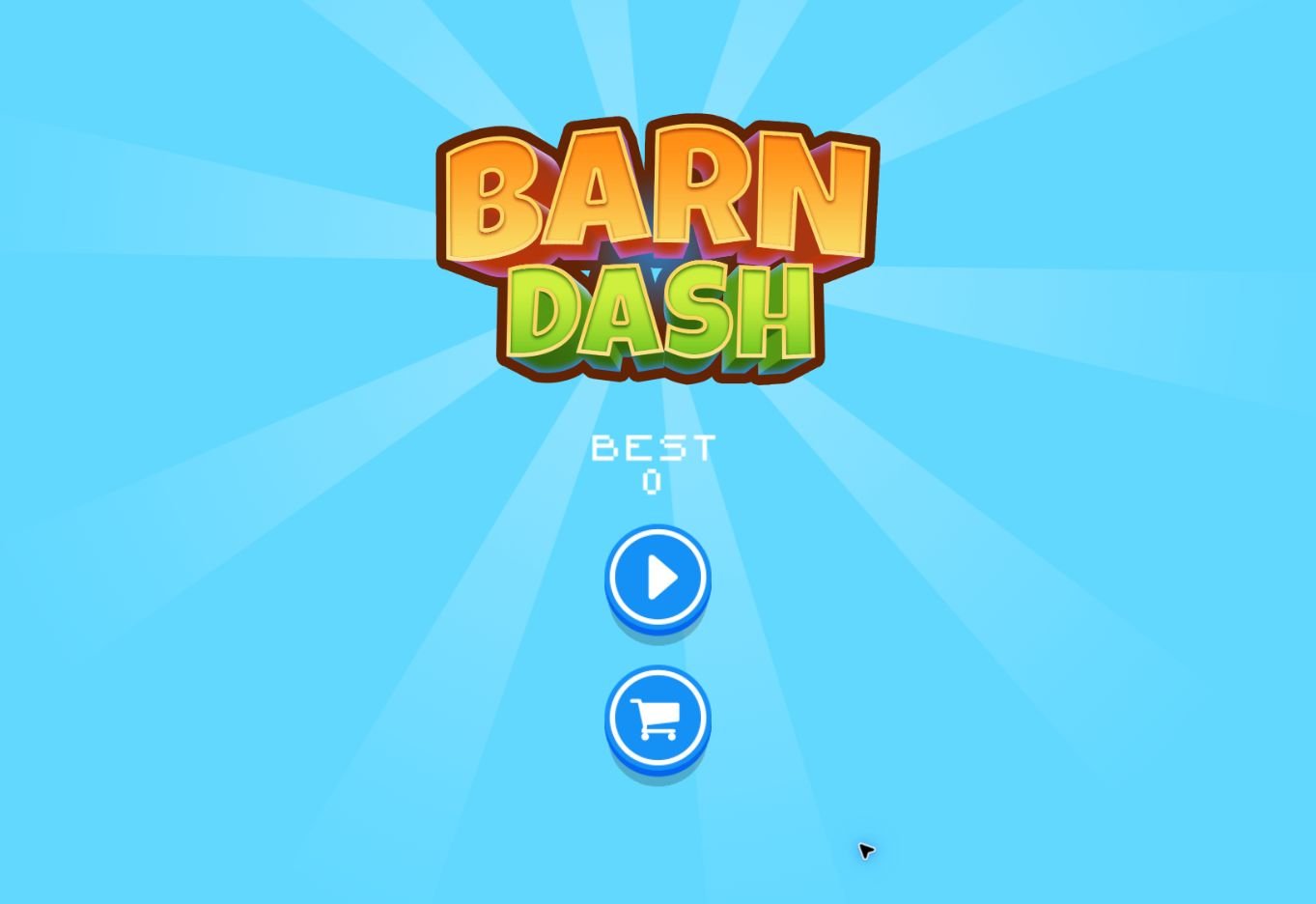 Barn Dash
Let the nearest obstacle set your take-off point. After landing, look ahead again instead of repeating the previous rhythm, because a comfortable jump can become unsafe when the next gap is shorter.
Barn Dash pairs a farmyard character with a course of blocky platforms and obstacles. The menu offers character-selection arrows and a Play control, while the run itself includes directional buttons. Begin by checking the active character and the movement cues before concentrating on a high score. The opening stretch is useful for learning how quickly the scenery changes and how much room an input leaves around the next obstruction. Treat those first actions as a way to understand the course.
Read the space beyond the nearest obstacle. A successful movement is useful only if the character arrives somewhere that allows another decision. If you focus entirely on passing the object directly in front, the following block can appear to demand a rushed correction. Try to look at two approaching features together: the one that needs attention now and the one that determines where you want to finish. This makes the run easier to read as a sequence rather than a collection of surprises.
Keep directional inputs purposeful. Use a clear opening to establish the response of each visible button, then apply that knowledge to the approaching arrangement. A repeated press made merely because the previous one worked can send the character toward a different obstruction. After a change of position, bring your attention back to the route and check the remaining clearance. On a phone, arrange your hands so the lower controls are reachable without hiding the character or the next portion of the course.
When a run ends, use its result to identify a practical adjustment for the next attempt. Ask whether you acted too late, changed direction unnecessarily, or failed to inspect what followed an apparently safe passage. One specific observation gives the restart more value than immediately repeating the same input pattern. Character selection can change the appearance of your runner, but do not assume a different character automatically solves a difficult section. Learn the visible course and the response of the movement controls first. Consistency comes from recognising the available space early and choosing an action that preserves enough room for the next part of the dash.
Check which farmyard runner is now active before choosing Play; the preview is separate from the course controls.
The run includes directional buttons that let you respond to the approaching course.
The next feature affects where you should finish the current movement and how much correction time remains.
No such advantage is promised here. Learn the route and the visible movement response rather than assuming an appearance choice changes difficulty.
Found a control that behaves differently? Tell us the game name and your device.





Improve Cross Runner with practical bridge alignment, hazard timing, landing checks and smarter coin and key collection routes.
Read article ↗
Understand camera rotation, layer turns, centers, edges and corners in Cube 3D. Learn reversible moves and plan a standard 3×3 solve step by step.
Read article ↗
Learn the leaf traversal rules, plan flower-planting routes and use Undo to recover from awkward moves in Emoji Puzzle on RobixGame.
Read article ↗
Find exposed matches, clear rising rows and stay below the red line in Pet Merge on RobixGame. Includes a browser check, worked examples and a practi…
Read article ↗