
Cross Runner: Master Narrow Bridges, Jump Landings and Obstacle Timing
Improve Cross Runner with practical bridge alignment, hazard timing, landing checks and smarter coin and key collection routes.
Read article ↗
Inspect Bubble Pop Mania's coloured layout and choose matches that leave the remaining bubbles easier to clear.
Play here in the browser.
 Bubble Pop Mania
Compare what the board will look like after a group disappears. A large immediate match is useful, but preserving access to another colour can be just as important for the next move.
Clearing a group changes which matching bubbles are still connected. Removing a cluster close to two others can set up a useful second clearance, while clearing an isolated group may simply make the board smaller.
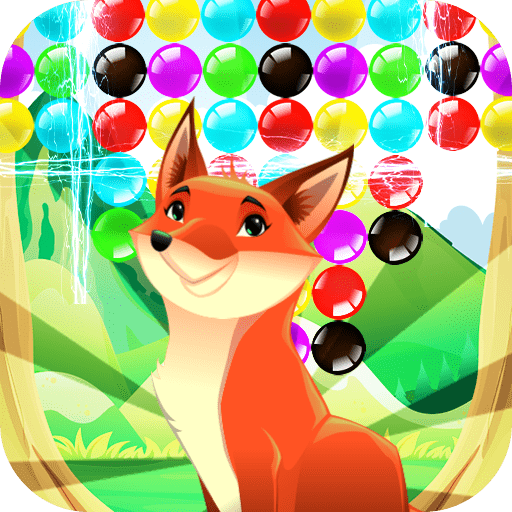
Bubble Pop Mania fills its playing area with coloured balls that settle against one another. This edition is about selecting connected colour groups, rather than aiming a cannon at a hanging ceiling. Start the round with Play, then look for neighbouring balls of the same colour. Touching a group asks the game to evaluate that connection; the visible removal and score feedback show whether the group qualified.
The timer is an essential part of the round. Read it together with the score instead of spending the whole session staring at the largest-looking cluster. A clear group near your current focus can be a better immediate decision than a distant possibility that takes too long to inspect. The board uses moving, settling balls, so the arrangement after a removal needs another look. A group that was separated a moment earlier may meet when the surrounding space changes.
Special objects can appear among the ordinary balls, including diamond and clock-related elements. Observe their feedback when a selected group affects them, and use the time display to understand the result. Do not assume that every unusual object behaves like an ordinary colour ball. The best-score display records a different piece of information from the current score, allowing you to compare a finished session with your previous target without mistaking that target for points already earned in this round.
A practical scanning pattern helps keep the play area readable: check one region for obvious connected groups, make a deliberate selection and follow the settling motion into the next decision. Avoid tapping rapidly through an explosion effect, because the balls underneath may no longer occupy the same relationships. On a phone, touch the centre of a ball in the intended group and keep the timer visible above the action. When the round ends, compare the time spent searching with the groups you actually cleared. Improving that balance gives your next round a useful aim: spend less attention on uncertain isolated balls and more on connections that the current arrangement makes clear.
This installed edition evaluates connected coloured ball groups selected in the playing area.
Watch the remaining balls settle and reassess which colours now touch.
The current score describes this round, while the best-score display provides a comparison with an earlier result.
Their feedback can affect the time situation, so compare what happens with the timer display.
The underlying ball arrangement may be moving, so the next tap can select a different connection than the one you saw.
Found a control that behaves differently? Tell us the game name and your device.





Improve Cross Runner with practical bridge alignment, hazard timing, landing checks and smarter coin and key collection routes.
Read article ↗
Understand camera rotation, layer turns, centers, edges and corners in Cube 3D. Learn reversible moves and plan a standard 3×3 solve step by step.
Read article ↗
Learn the leaf traversal rules, plan flower-planting routes and use Undo to recover from awkward moves in Emoji Puzzle on RobixGame.
Read article ↗
Find exposed matches, clear rising rows and stay below the red line in Pet Merge on RobixGame. Includes a browser check, worked examples and a practi…
Read article ↗