
Cross Runner: Master Narrow Bridges, Jump Landings and Obstacle Timing
Improve Cross Runner with practical bridge alignment, hazard timing, landing checks and smarter coin and key collection routes.
Read article ↗
Release interlocking pieces in Puzzle Snap by spotting directional openings and removing the parts that block them.
Play here in the browser.
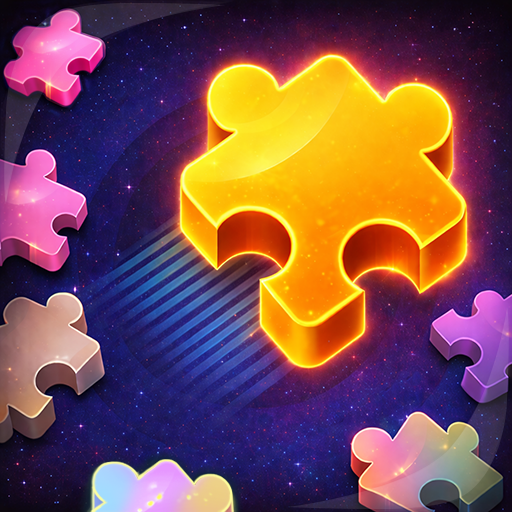 Puzzle Snap
Views, plays and likes include starting counts.
Begin with a piece whose exit you can trace completely. After it moves, inspect the newly exposed edges; the next useful removal may appear in a place that looked locked at the start.
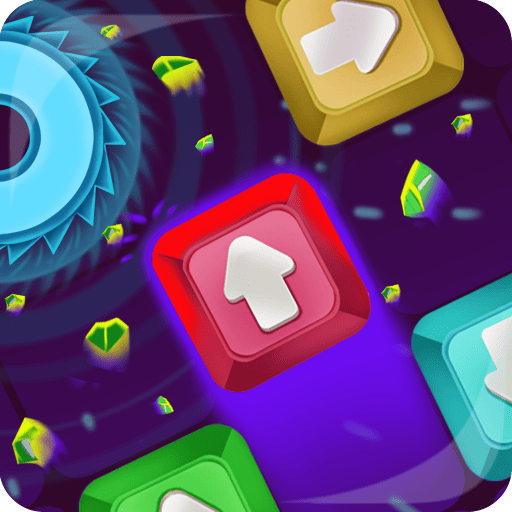
Puzzle Snap presents an arrangement of blocks with symbols, locks and directional information. The problem is to work out which pieces can leave and which ones prevent another movement. Begin with the exposed parts of the arrangement rather than selecting a central block only because it looks important. An available departure can change the options for several neighbours, making release order part of the puzzle.
Trace a piece's indicated route before choosing it. Look along the whole path, not just at the space immediately beside the block. A distant obstruction can matter as much as a touching neighbour. When a route appears clear, consider what the removal will open afterward. A piece that frees a shared passage may be more useful than an isolated block whose departure changes little for the remaining arrangement.
Symbols deserve a separate inspection from the shape of the piece. Puzzle Snap contains directional and rotation-related markings, so use the visible instruction cue to understand the available action before committing. Do not assume that all similarly coloured blocks behave identically. If an action is rejected or produces a different result from your plan, compare the selected symbol and the obstruction you expected to clear. That is more informative than immediately trying every nearby piece.
The game includes level information and a hint display, which provide context around the active arrangement. Read those prompts when a marking is unfamiliar, then return attention to the remaining routes. On a phone, choose a piece carefully where several controls or symbols sit close together. After a successful removal, rebuild the release plan from the changed board; a previously blocked route may now be available. When an attempt becomes tangled, choose one target piece and work backward through its blockers until you reach an action you can perform. This gives each selection a reason and keeps the puzzle focused on freeing the actual arrangement instead of following an unrelated memorised block-removal pattern.
Start with exposed pieces and trace their indicated routes, then consider what each departure would free.
A piece farther along the departure line can still prevent the intended movement.
Yes. Directional and rotation-related markings appear in the game, so follow the visible instruction for the selected piece.
Previously obstructed routes may become available, making a fresh inspection more useful than continuing the old selection order automatically.
Pick one target piece and trace backward through its blockers until you identify a currently available action.
Found a control that behaves differently? Tell us the game name and your device.




Improve Cross Runner with practical bridge alignment, hazard timing, landing checks and smarter coin and key collection routes.
Read article ↗
Understand camera rotation, layer turns, centers, edges and corners in Cube 3D. Learn reversible moves and plan a standard 3×3 solve step by step.
Read article ↗
Learn the leaf traversal rules, plan flower-planting routes and use Undo to recover from awkward moves in Emoji Puzzle on RobixGame.
Read article ↗
Find exposed matches, clear rising rows and stay below the red line in Pet Merge on RobixGame. Includes a browser check, worked examples and a practi…
Read article ↗