
Cross Runner: Master Narrow Bridges, Jump Landings and Obstacle Timing
Improve Cross Runner with practical bridge alignment, hazard timing, landing checks and smarter coin and key collection routes.
Read article ↗
Pick a zoo animal and guide it through Zoo Run's blocky obstacle course, collecting coins between well-spaced jumps.
Play here in the browser.
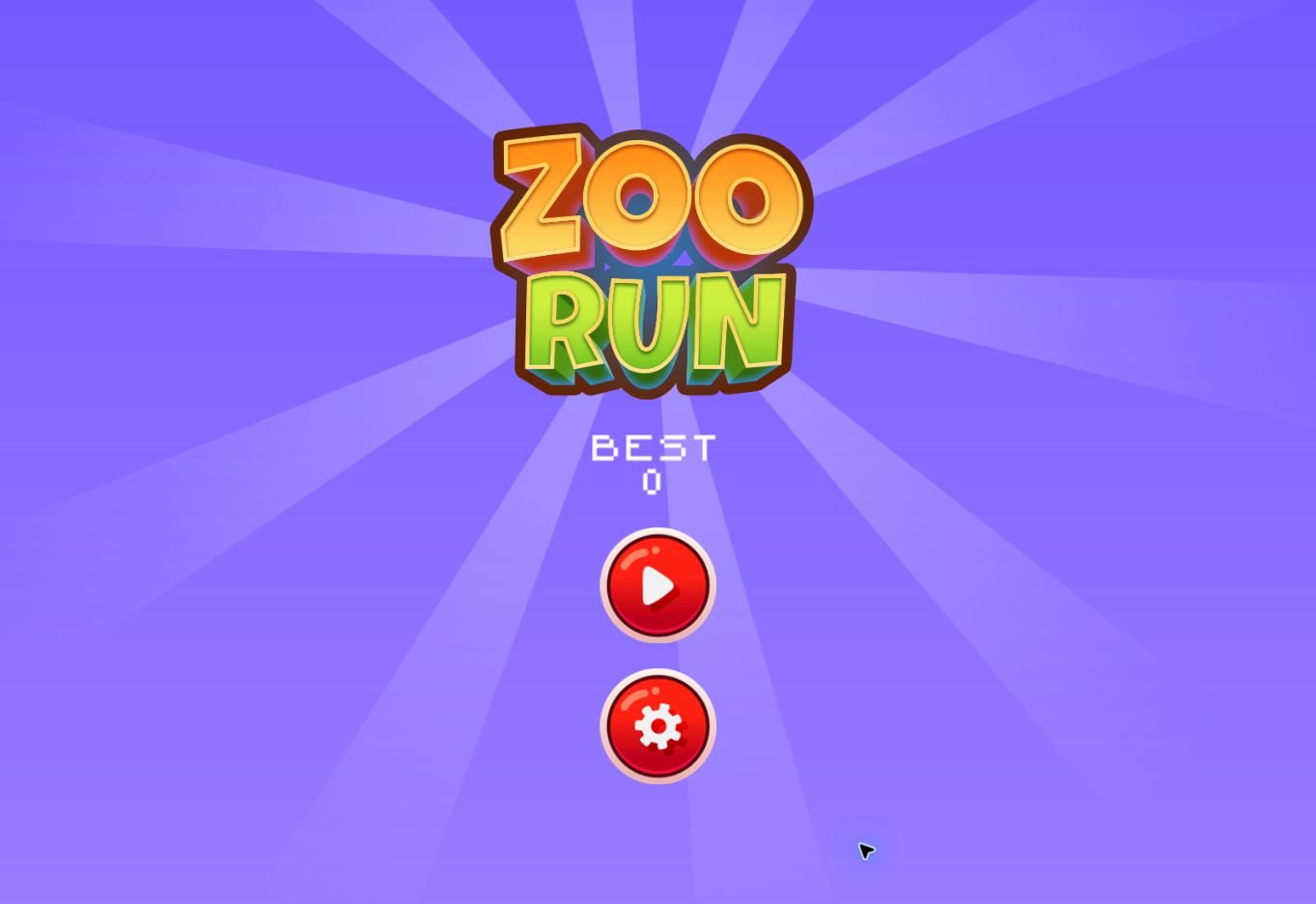 Zoo Run
Look at the next two hazards when possible. A coin pickup is most useful when the animal can land in a position that leaves enough time for the following leap.
Each chosen animal follows the same kind of blocky course, with coins appearing between obstacles. Taking a coin close to a block is easier when the jump leaves enough ground for the next take-off.
Zoo Run begins with a choice of animal, then puts that character into a bright, block-shaped obstacle course. The animals give the run its personality, but the useful decision during play is where to jump and where to land. Coins mark opportunities along the course; they are worth noticing without letting them hide the next obstacle. Think of each jump as a short journey with a departure point, a stretch of air and a landing that must leave the animal ready to continue.
Use the opening stretch to judge how far one jump carries your chosen character. Watch the ground move beneath the animal rather than staring only at its face. Once an obstacle approaches, compare its near edge with the position where an input actually takes effect. That gives you a practical timing reference. Pressing repeatedly can obscure that reference, because you no longer know which press produced the leap. A deliberate input makes the result easier to understand, whether the animal clears the obstacle or reaches it too early.
A coin trail is also a useful way to read the space ahead. Before following it, look at the ground below the last coin and the hazard beyond it. A jump that collects something and lands immediately beside another obstacle may be harder to continue than a slightly quieter route. When several objects appear close together, shift attention toward the second one while the animal is already clearing the first. This prevents the landing from becoming a surprise. Keep the animal's feet and the edge of the course in view together.
The selection screen and the running screen serve different purposes: choose the animal before starting, then concentrate on timing within the course. Returning for another attempt works best when you carry one observation forward. You might change the takeoff point for a particular obstacle, or stop pursuing a coin that repeatedly leaves an awkward landing. Judge improvement by how clearly you can read the next stretch, as well as by how far the run lasts. Zoo Run is most satisfying when its cheerful animal presentation becomes a steady sequence of well-judged jumps.
Yes. Use the animal selection controls on the menu, then begin the course with that choice.
Look toward the landing ground and the obstacle beyond it, while keeping the animal's feet in view.
It draws attention to a possible jump path, but you still need to check the landing beneath its final coin.
Change the takeoff point deliberately so the next attempt tells you whether the previous jump began too early or too late.
Found a control that behaves differently? Tell us the game name and your device.






Improve Cross Runner with practical bridge alignment, hazard timing, landing checks and smarter coin and key collection routes.
Read article ↗
Understand camera rotation, layer turns, centers, edges and corners in Cube 3D. Learn reversible moves and plan a standard 3×3 solve step by step.
Read article ↗
Learn the leaf traversal rules, plan flower-planting routes and use Undo to recover from awkward moves in Emoji Puzzle on RobixGame.
Read article ↗
Find exposed matches, clear rising rows and stay below the red line in Pet Merge on RobixGame. Includes a browser check, worked examples and a practi…
Read article ↗