
Cross Runner: Master Narrow Bridges, Jump Landings and Obstacle Timing
Improve Cross Runner with practical bridge alignment, hazard timing, landing checks and smarter coin and key collection routes.
Read article ↗
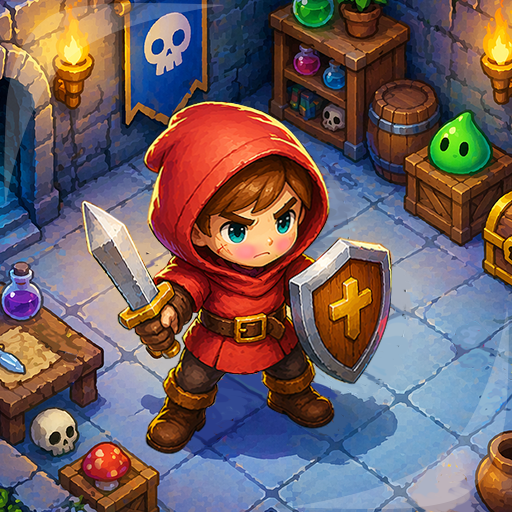
Assassin Knight places a fantasy hero among enemies, chains and lava, asking you to read the danger before committing to an action.
Play here in the browser.
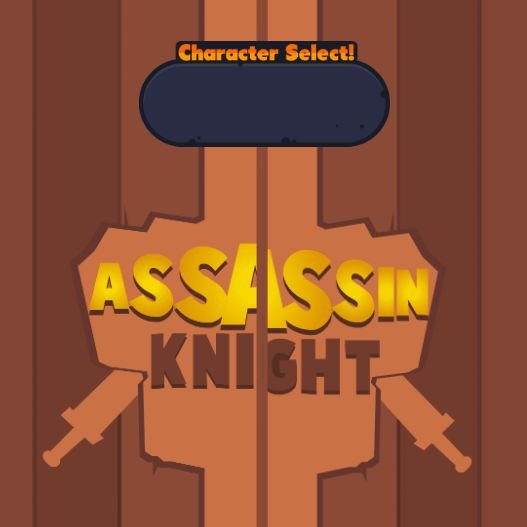 Assassin Knight
Take a moment to inspect the hero's immediate surroundings. A route that avoids an opponent can still lead toward lava, so judge the destination of a move as carefully as the threat it escapes.
The map leads from the hero selection screen into encounters built around a single launch. The line between the knight and an enemy can pass near chains or lava, so the space along the whole route matters.
Assassin Knight moves from character selection to a map, where a mission opens an encounter. Inside the encounter, dragging provides a way to aim and launch the knight. That makes the approach to an enemy a deliberate choice rather than a continuous walk forward. Before setting a direction, inspect the space between the knight and the intended destination. The scene includes ground, walls, chains and lava, so the route matters as much as the target at its end.
Begin with a destination you can identify clearly. A goblin may attract attention immediately, but the surface beneath the planned movement determines whether the approach is sensible. Follow the intended line and look beyond the point of contact. A launch that reaches an enemy can still leave the knight near an awkward edge or another obstruction. Leave room for what follows the attack rather than treating one successful contact as the whole encounter.
Use the drag as an aiming decision you can compare between attempts. If the result differs from your plan, remember whether the knight travelled along the wrong line or covered an unsuitable distance. Changing one part of the movement at a time makes the next attempt easier to understand. Avoid a large, hurried correction made only because the previous shot missed. The walls and platforms are useful references for judging where a new launch will carry the character.
The map and the encounter serve different purposes. Choose a mission on the map, then give the battle itself a fresh inspection instead of repeating a movement from the previous scene. Watch the score where it is shown, but keep the knight and nearby hazards as the immediate priority while aiming. On a phone, prepare the drag from a position that leaves the destination visible around your finger. A careful launch combines three observations: the place you want to reach, the hazards along that line and the space available afterward. Learning to connect those observations gives each encounter a more readable sequence of decisions.
The opening flow includes character selection and a map. Selecting a mission on the map opens the encounter.
Dragging is used to aim a launch of the knight. Inspect the intended route before releasing the movement.
The encounter contains terrain and hazards, including lava. Reaching the enemy is only part of choosing a usable destination.
Yes. Treat the visible walls and platforms as route boundaries and reference points for the movement you are preparing.
Notice the travel direction and the distance covered, then adjust one part of the next drag rather than changing the entire movement blindly.
Found a control that behaves differently? Tell us the game name and your device.


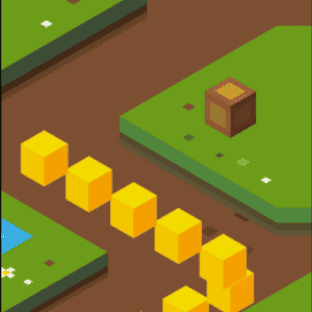


Improve Cross Runner with practical bridge alignment, hazard timing, landing checks and smarter coin and key collection routes.
Read article ↗
Understand camera rotation, layer turns, centers, edges and corners in Cube 3D. Learn reversible moves and plan a standard 3×3 solve step by step.
Read article ↗
Learn the leaf traversal rules, plan flower-planting routes and use Undo to recover from awkward moves in Emoji Puzzle on RobixGame.
Read article ↗
Find exposed matches, clear rising rows and stay below the red line in Pet Merge on RobixGame. Includes a browser check, worked examples and a practi…
Read article ↗